
Streaming · no capture card
Stream GTA 6 without a capture card
Stream GTA 6 from the console you already own. Mouse and keyboard, no capture card.
Short answer. You do not need a capture card. ConsoleMouse puts your own PS5 or Xbox on the PC over the console stream, so OBS or Discord can share that window.
TL;DR
- No capture card and no adapter.
- PC Play shows the stream on your computer. TV Play keeps HDMI on the TV.
- Frame generation up to 60 FPS in PC Play. 4K is upscaling. Day-one GTA 6 support.
GTA 6 PS5 controlsGTA 6 Xbox controlsConsoleMouse vs alternatives
How it works
- 1Put your console and computer on the same home network, with a mouse and keyboard on the computer.
- 2Open ConsoleMouse. Choose TV Play when the picture should stay on the TV, or PC Play when you want the stream on the computer.
- 3In PC Play, add the ConsoleMouse window in OBS as a window capture, or share that window with Discord Go Live.
- 4Leave the HDMI path as it is. No capture card is required for this route.
A capture card alternative
Capture card
You buy the card
Extra HDMI hardware you buy, plus cables, before OBS can see the console.
- Buy a capture card
- Run HDMI through it
- Add the card in OBS
ConsoleMouse
Buy €12.99
€12.99 introductory price · €19 regular price · One-time purchase
- Put both devices on one network
- Open PC Play
- Share the window in OBS or Discord
Play GTA 6 with mouse and keyboard
Mouse and keyboard
On PS5 and Xbox.
Controller on the PC
Use your controller with the computer.
TV Play
Picture stays on the TV. Controls come from the computer.
PC Play
The console stream plays on the PC.
Windows, Mac, Linux, Pi
One product for every computer here. Pi uses TV Play.
4K upscaling
The stream can be scaled up in PC Play.
Frame generation
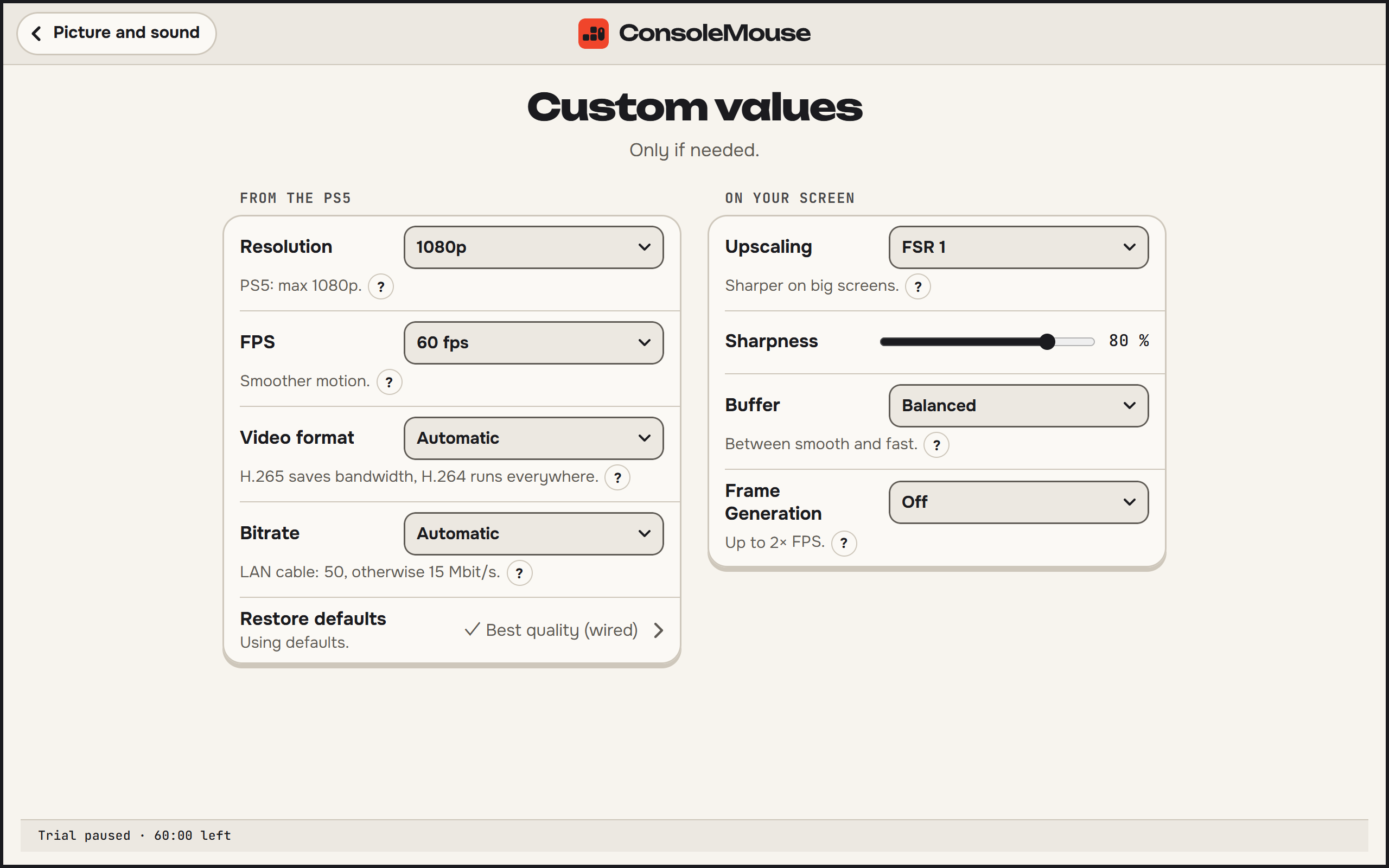
Up to 60 FPS in PC Play.
GTA 6
Day-one support.
Questions
Do I need a capture card to stream GTA 6?
Not for this route. PC Play shows the console stream on the computer, and OBS can capture that window. A capture card is a different path.
Does the game move onto the PC?
No. Your console runs the game. PC Play shows the stream. TV Play keeps the HDMI picture on the TV and the computer sends the controls.
Can the stream show more frames than the game renders?
In supported Windows PC Play, PS5 Frame Generation can display up to twice as many frames. The game’s own frame rate stays the same. Frame Generation is PS5-only in the current release. It has not been tried with GTA 6 yet, according to the latency guide.
What does ConsoleMouse cost?
€12.99 introductory price · €19 regular price · One-time purchase A free 60-minute trial covers TV Play and PC Play together.
Sources
- OBS Studio: free recording and streaming software, window capture and capture cards
- PlayStation: PS Remote Play requirements, free app, controller and keyboard note
- Xbox: remote play requirements and compatible devices
- Xbox: PC app system requirements and remote play
- chiaki-ng: PlayStation remote play client with published source, and supported systems
- chiaki-ng: keyboard mapped to controller buttons, mouse mapped to the touchpad
- PXPlay publisher shop: desktop license price and Windows, Linux, Mac coverage
- Apple App Store, France: PXPlay iOS unlock price
- XIM Technologies: Matrix price, consoles, mouse and keyboard, extra requirements
- Collective Minds: Cronus Zen price, mouse and keyboard, PS5 notes, EULA sentence
- Collective Minds: Zen Link listed price
- PlayStation Direct: PS5 box includes one DualSense and an HDMI cable
- Xbox Support: standard Series X and Series S box includes a wireless controller and HDMI cable
- Discord Help: Go Live can share an application window or the whole screen
- ConsoleMouse: product facts used on this site, including TV Play, PC Play, and picture features